Audio & Video to
Text or Sub
Convert your audio and video files into accurate text transcriptions or subtitle files — instantly, on your Mac.
Core Features
Designed for efficiency, privacy, and ease of use.
Fast Transcription
Get highly accurate results from your audio and video files in just minutes.
Subtitle Export
Supports standard SRT and VTT formats, making it perfect for video editors and YouTubers.
Privacy-First
All processing happens locally on your device. No cloud storage, no uploads, complete data privacy.
Multiple Languages
Automatically detects and supports a wide range of global languages.
Who Is It For?
- Content creators & YouTubers
- Journalists & researchers
- Students & educators
- Podcast producers
How It Works
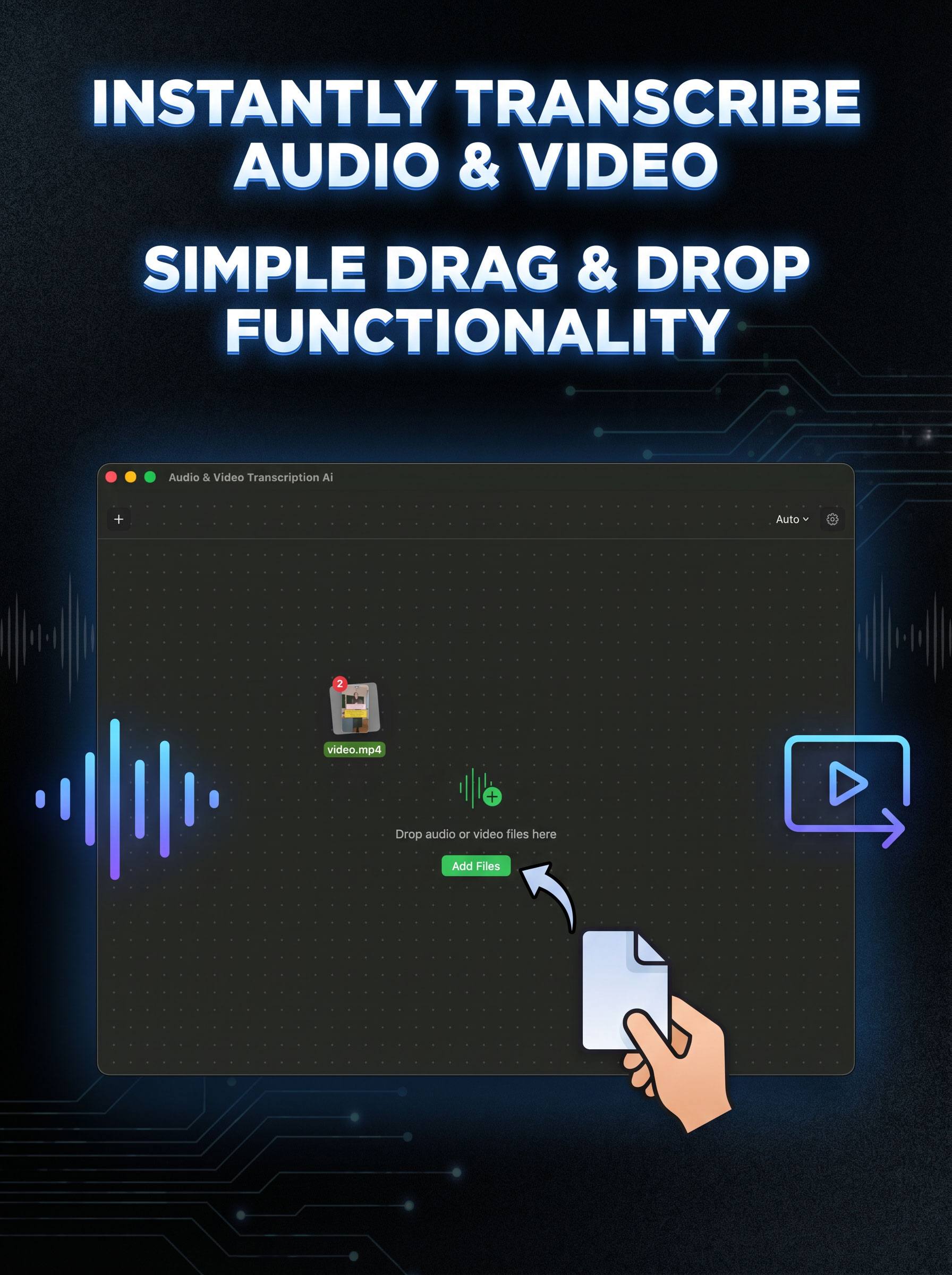
Drop your file
Drag any audio or video file directly into the app interface.
Select language
Choose the spoken language used in your media file.
Get your text
Your transcription or subtitle file is generated in minutes.
We're Here to Help
Have a question or ran into an issue with the app?
Contact Support
Reach out for bug reports, feature requests, or general inquiries directly via email.
jen.hikmet@gmail.com